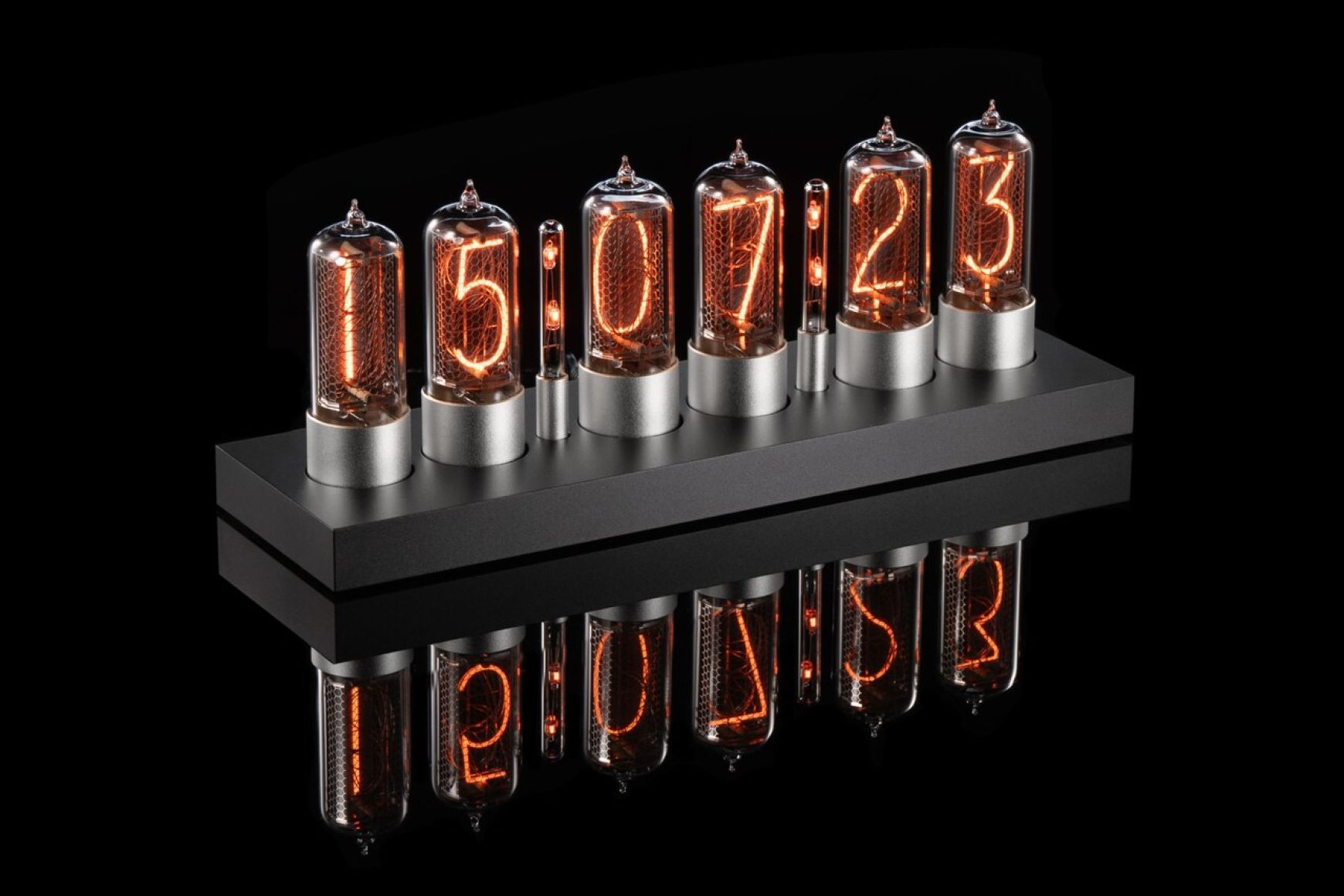
A Nixie desk clock can look perfectly at home beside a monitor and still be a nuisance to read. Sit down and you discover that the monitor stand hides the first digit, or that the window behind you shows up as a bright rectangle across the tubes. Both are easy to fix once you look at the clock from the chair rather than from the doorway.
Start with the view from your chair
Put the clock on the side of the monitor where you naturally glance when you look away from your work. Sit at your usual height and rest your arm where it normally goes. Can you see the whole row without leaning? Check again with your notebook open, your mug in its usual spot and the monitor turned to its normal angle. An empty desk makes almost any position look good.
A spot beside the screen often works better than one directly underneath it. That strip of space under the monitor tends to fill up, and the stand can cut across the display when you sit back. If you need to lift the clock, try a low, stable shelf with room for the entire base. Leave enough clearance above it to reach around the clock when you dust.
Check the spot twice: in daylight and after dark
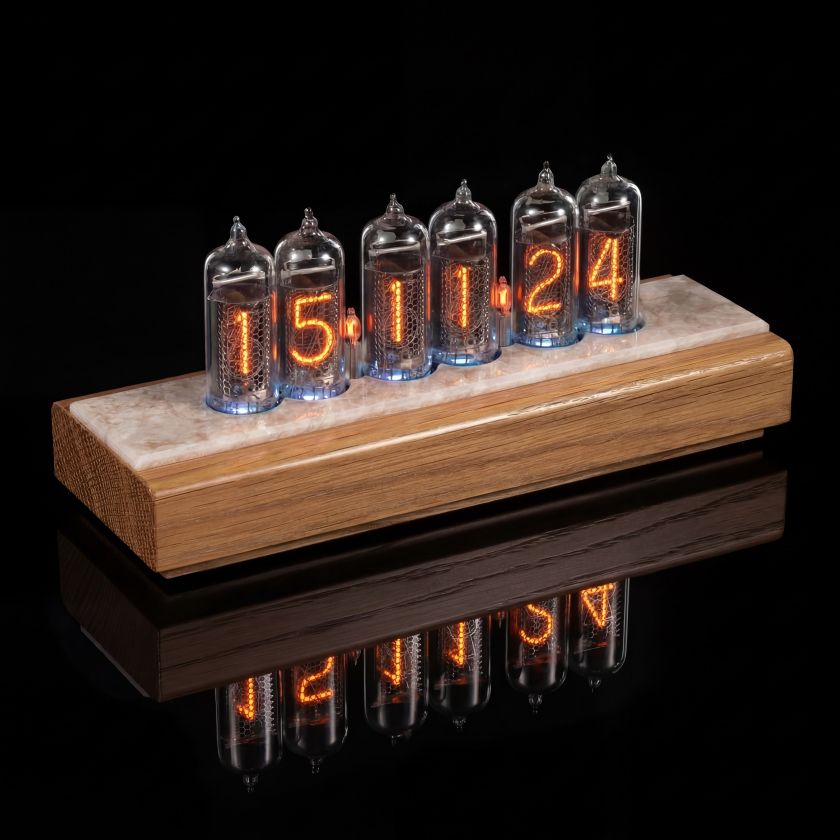
A reflection that washes out the tubes at noon may disappear by dinner. Look for the outline of the window in the glass while you're sitting down. If you can see it across the digits, turn the clock a little or slide it sideways. Often you can get the reflection out of your line of sight without moving the clock to the other side of the desk. If a task lamp is the culprit, aim it down towards the keyboard or paper first.
Then look again after dark, with your monitor and desk lamp set as you normally use them. A display that looks gentle in daylight can catch your eye every time a digit changes in a dim room. If your model has brightness control, adjust it under the lighting you actually work in. Give yourself a minute before deciding whether the new setting is comfortable.
Work out where the cable goes
Run the power cable before you decide the clock has found its home. Check that the plug fits comfortably behind it without pushing the base forward, and leave enough slack to move the clock a little for cleaning. If you use a standing desk, raise it all the way before fastening the cable underneath. A neat cable at sitting height is no use if it pulls tight when the desk goes up. Keep the clock outside the path of a swinging monitor arm or a drawer you open every day.
If you’re shopping for a Nixie clock for your desk, mark out the size of the base with two strips of masking tape. The ZIN18 range is a good place to look for a more compact display; the ZIN70 range has larger digits worth considering if you tend to read the clock from farther away. Try the tape test with your desk set up for a normal day. It tells you more about what will fit than a product photo on a clean table.


